AI Squid Game Filter
More Than One Way to Play
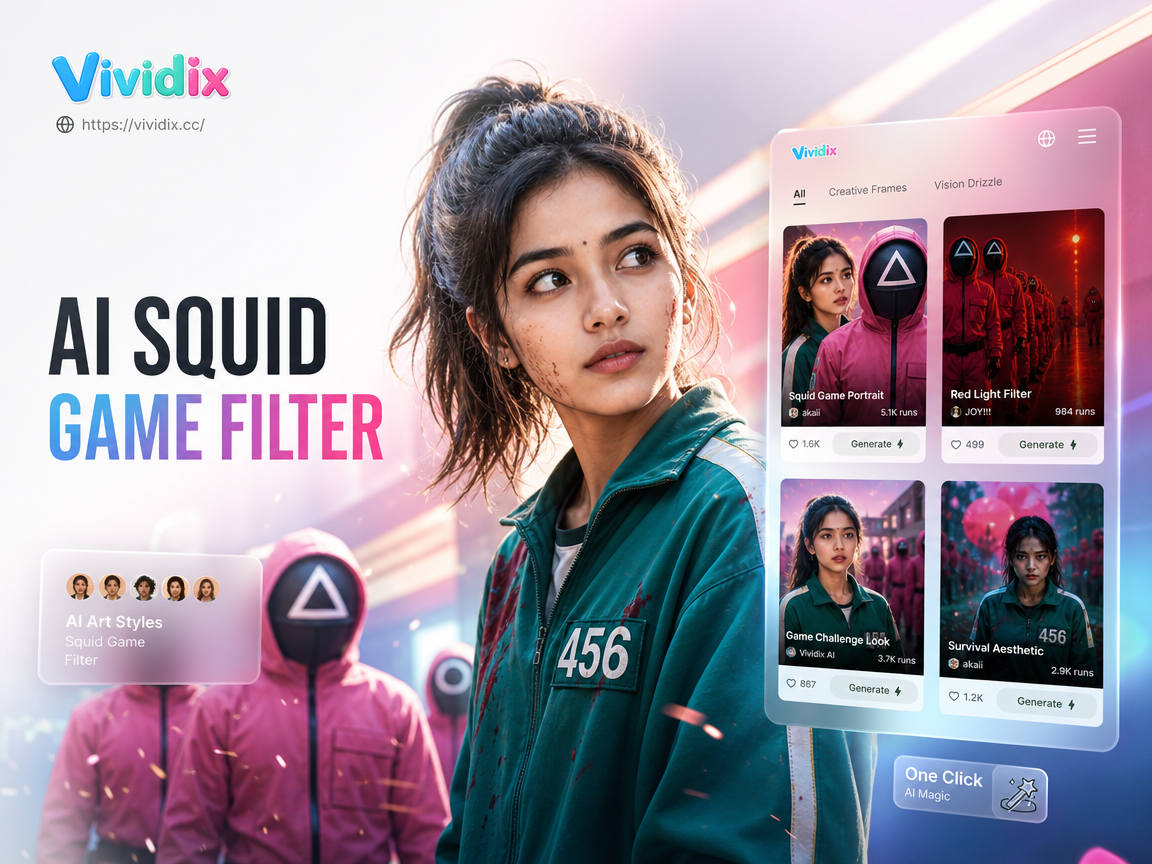
Explore our collection of AI filters inspired by the hit series. Go beyond the jumpsuit and discover masks, doll uniforms, and abstract art styles.
AI Squid Game Gallery
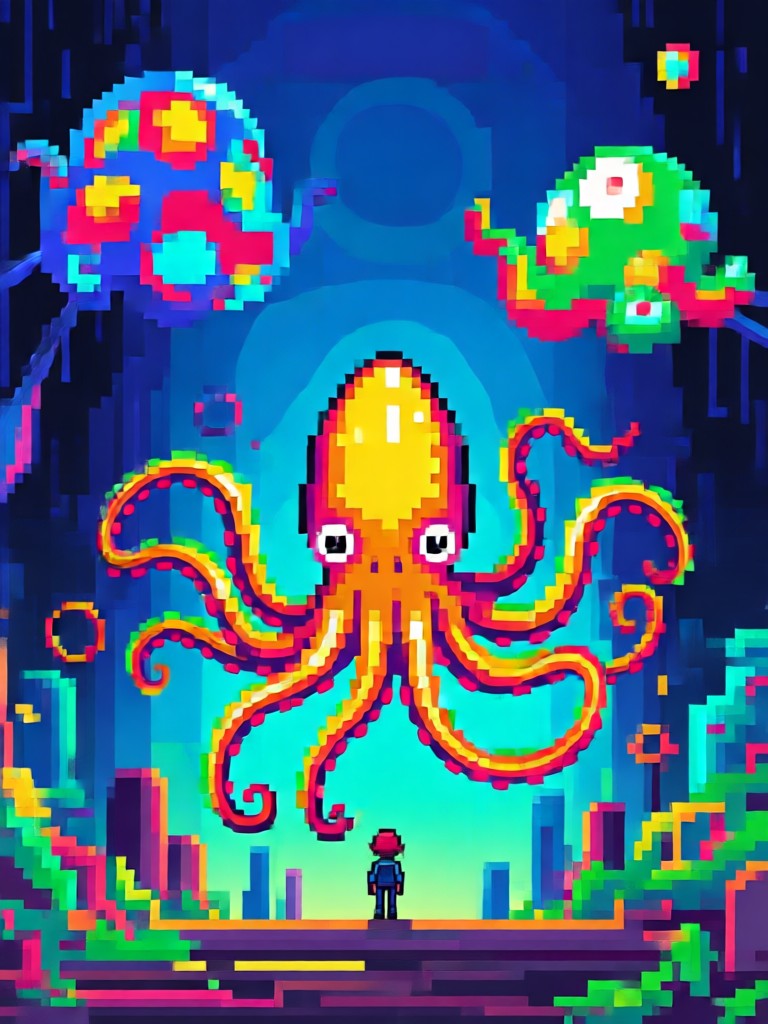
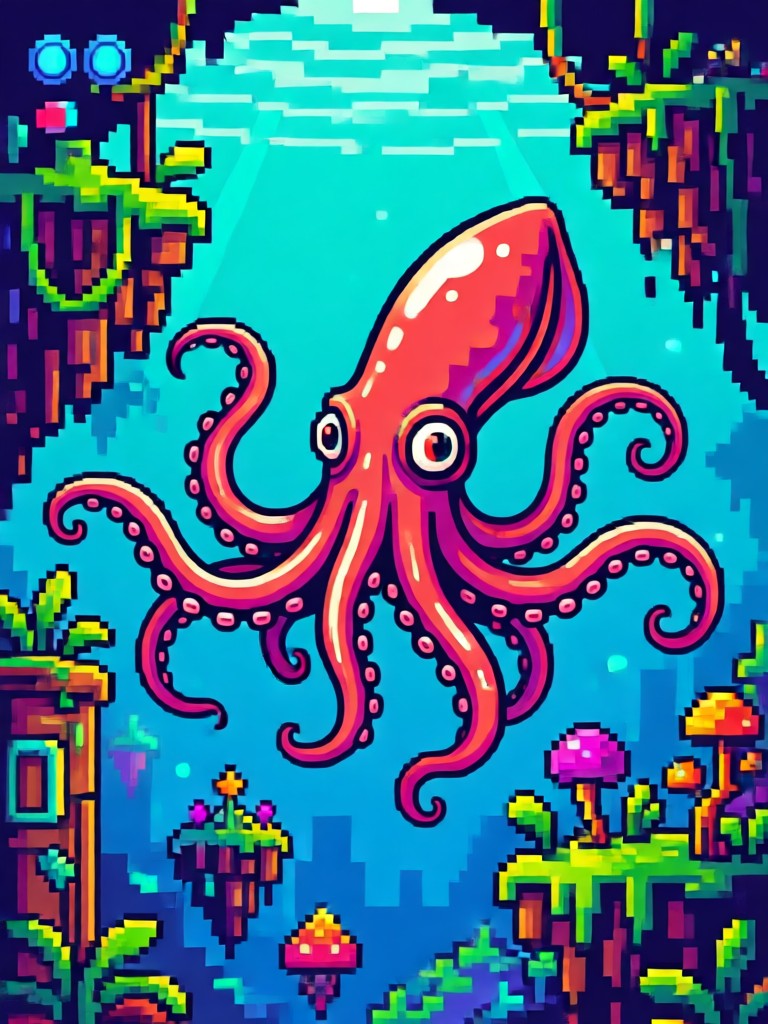
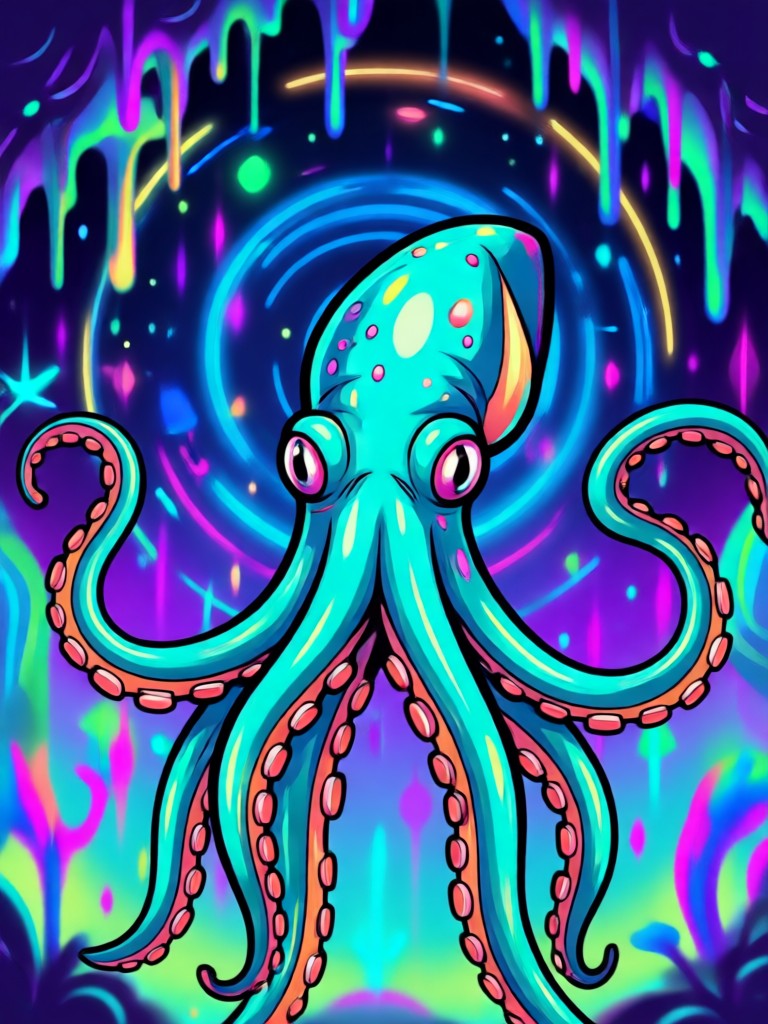
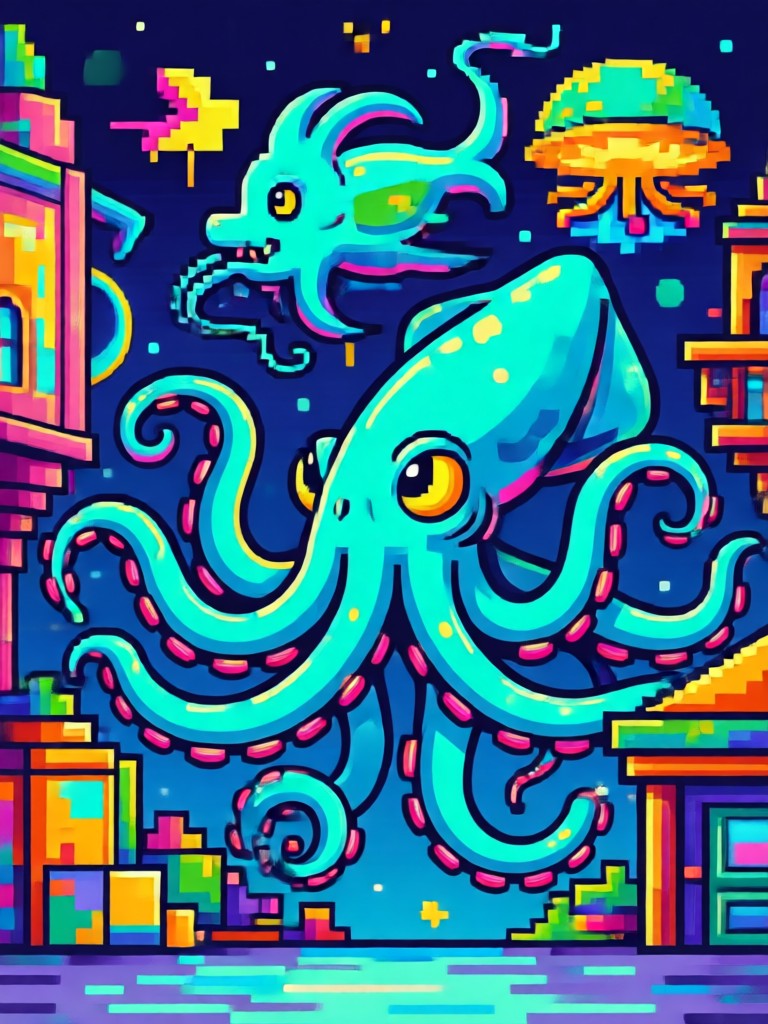
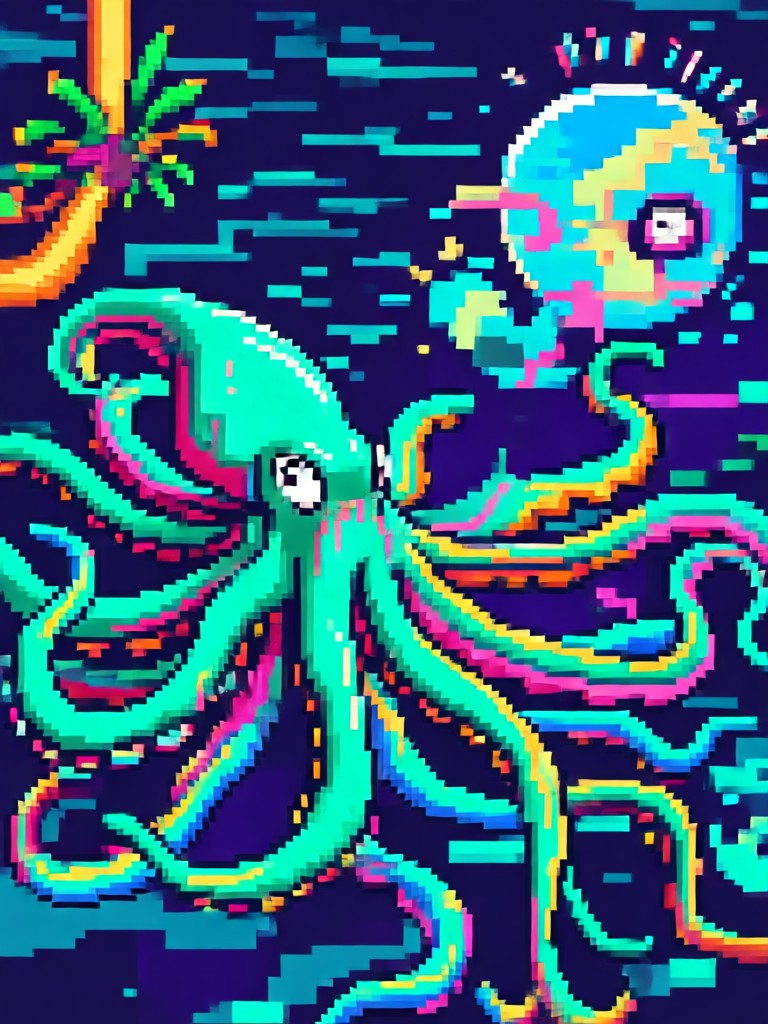
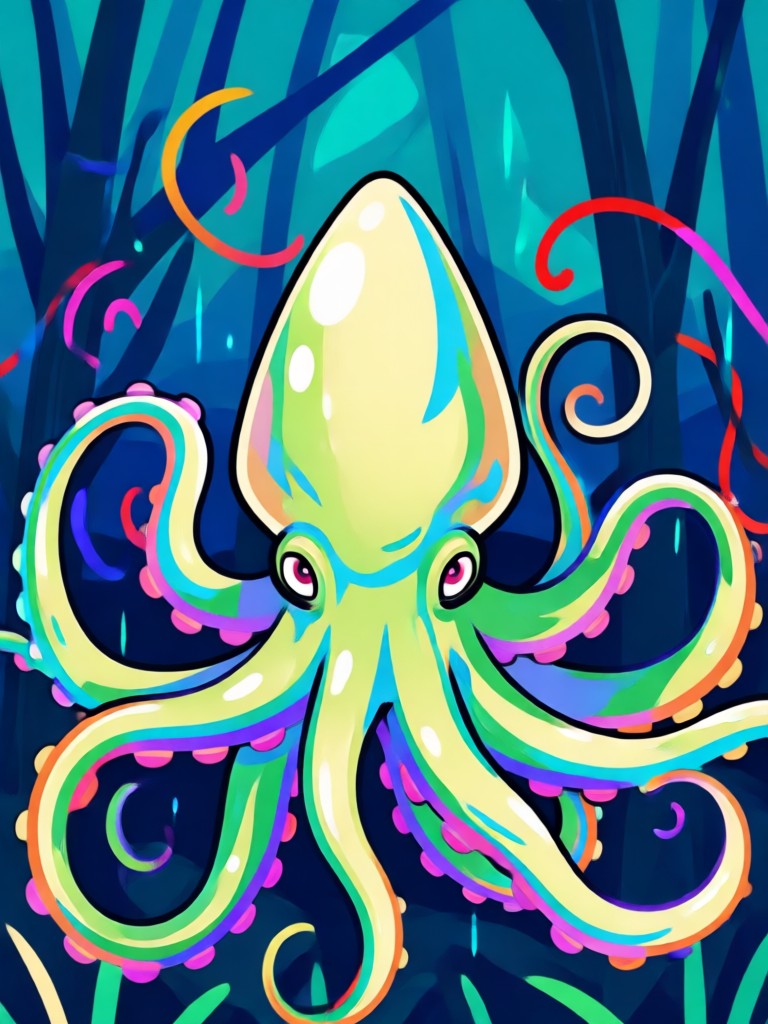
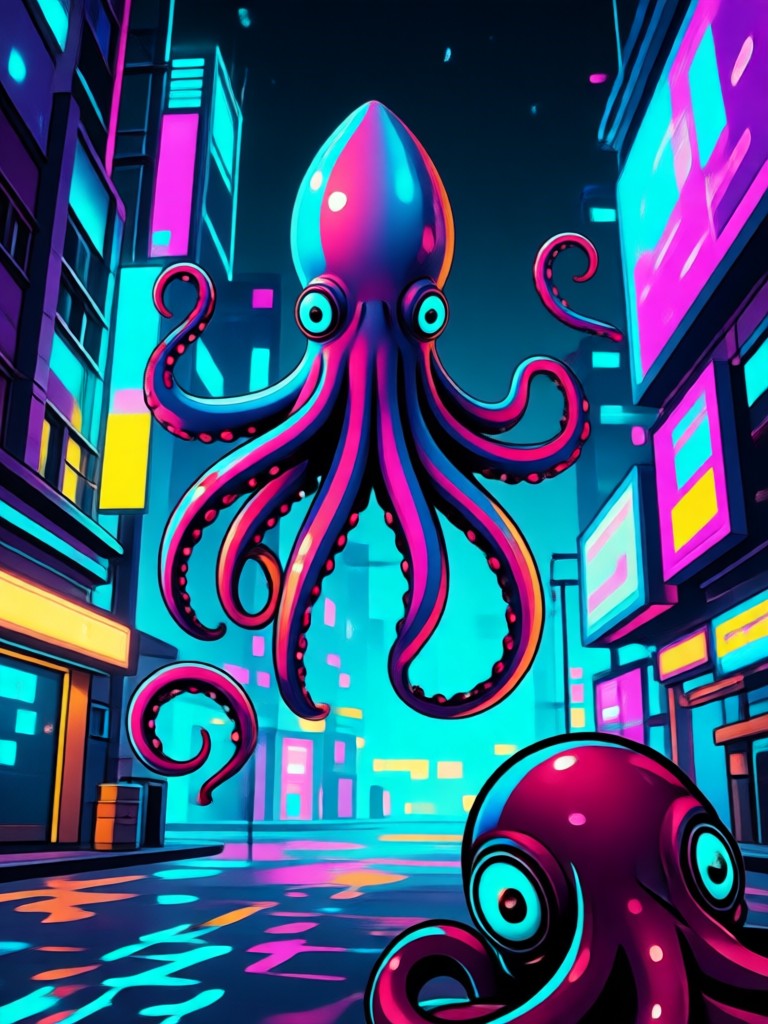
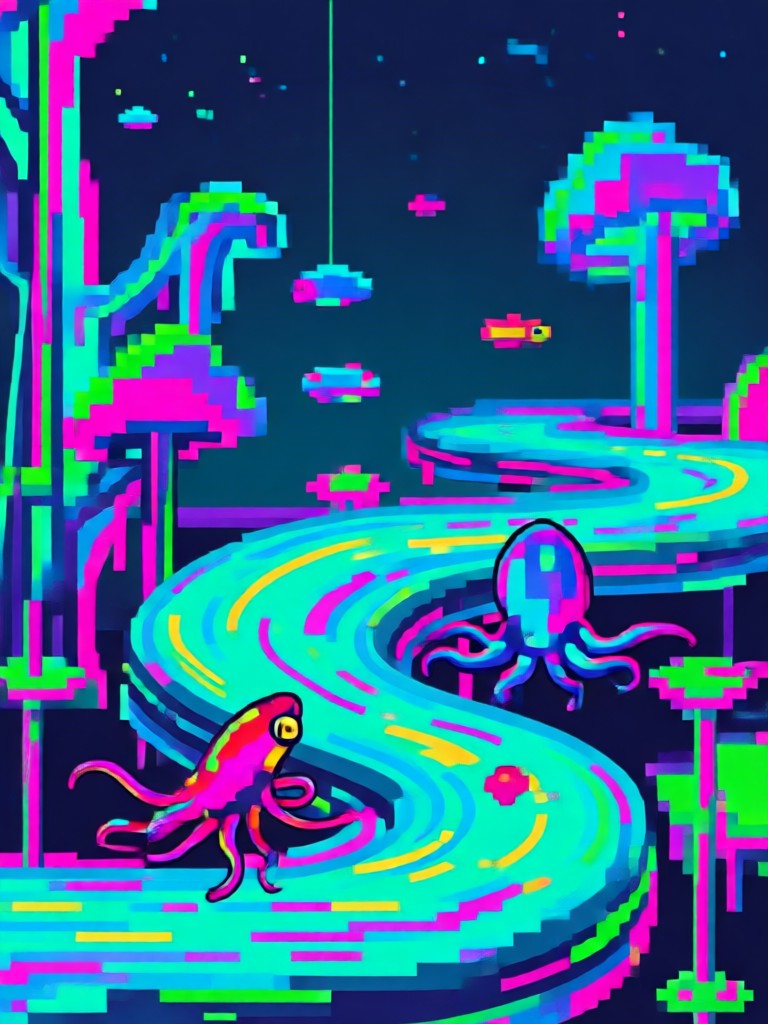
See how others have transformed with the AI Squid Game filter. From solo portraits to group shots, discover the creative possibilities for your next viral post.
Key Features of the AI Squid Game Filter
Our AI goes beyond a simple overlay. It intelligently integrates the Squid Game aesthetic into your photos for believable and striking results.
Authentic Uniform & Number Generation
The AI adds the iconic pink jumpsuit or guard uniform with realistic folds, textures, and lighting. It also generates and places accurate player numbers like 456 or 067 on the chest.
Authentic Uniform & Number Generation
The AI adds the iconic pink jumpsuit or guard uniform with realistic folds, textures, and lighting. It also generates and places accurate player numbers like 456 or 067 on the chest.
Character Role Transformation
Become a player, a guard, or the Front Man. The filter changes clothing, adds props like masks, and adjusts posture and expression to match your chosen role from the series.
Character Role Transformation
Become a player, a guard, or the Front Man. The filter changes clothing, adds props like masks, and adjusts posture and expression to match your chosen role from the series.
Multi Style & Art Filters
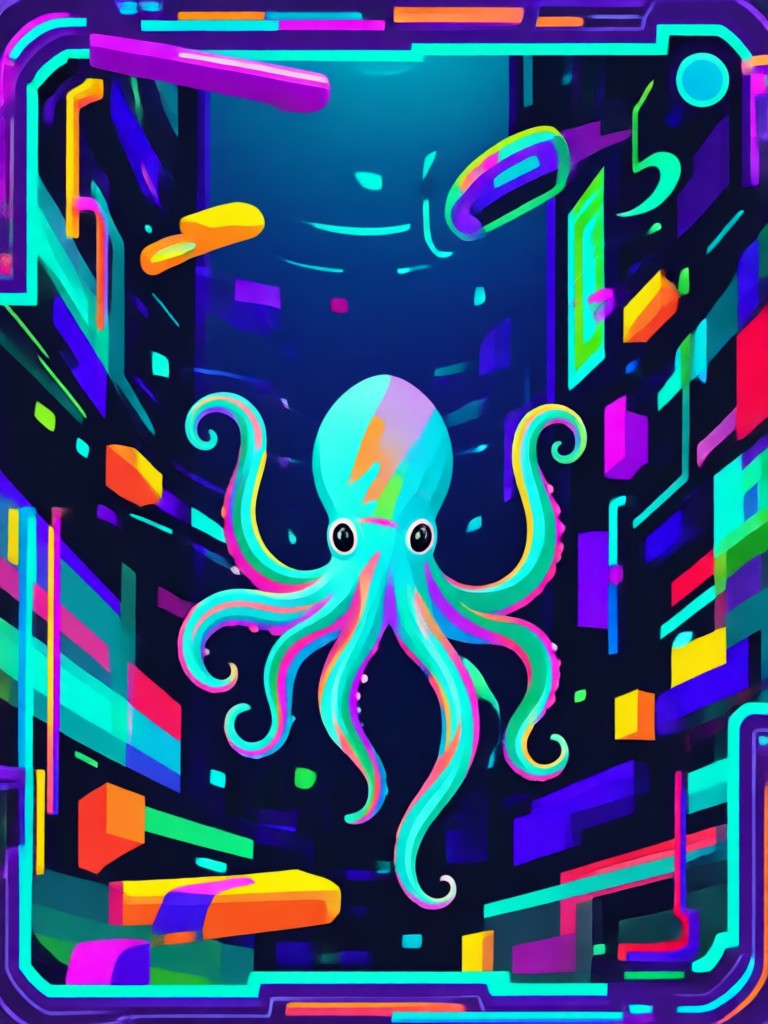
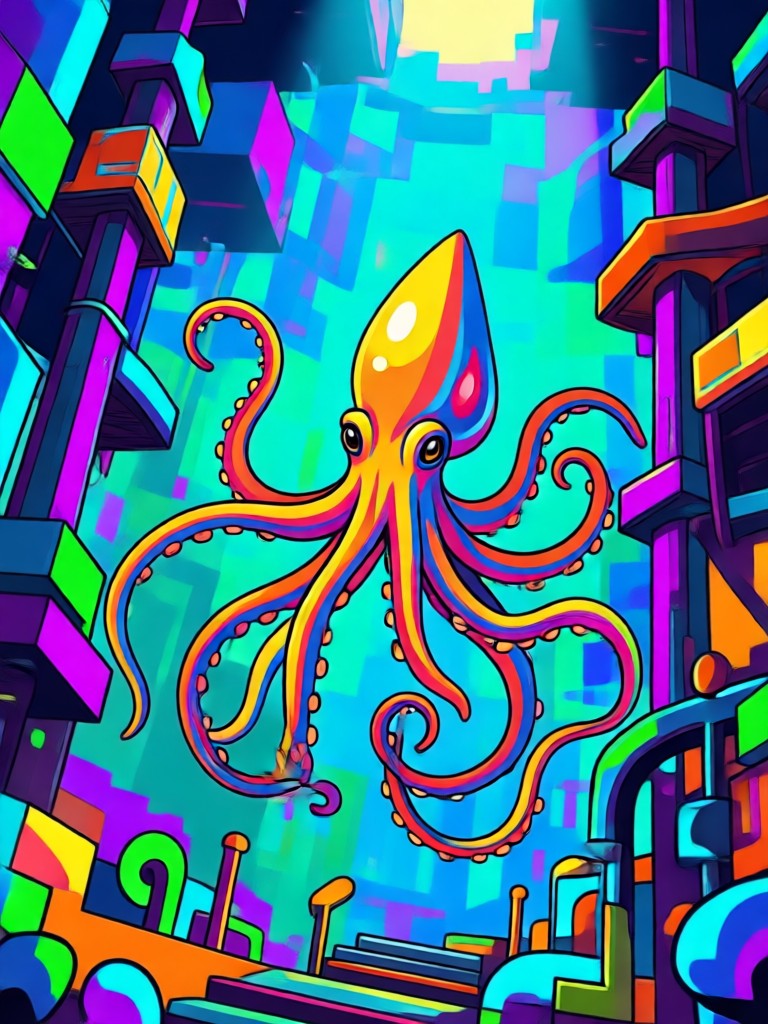
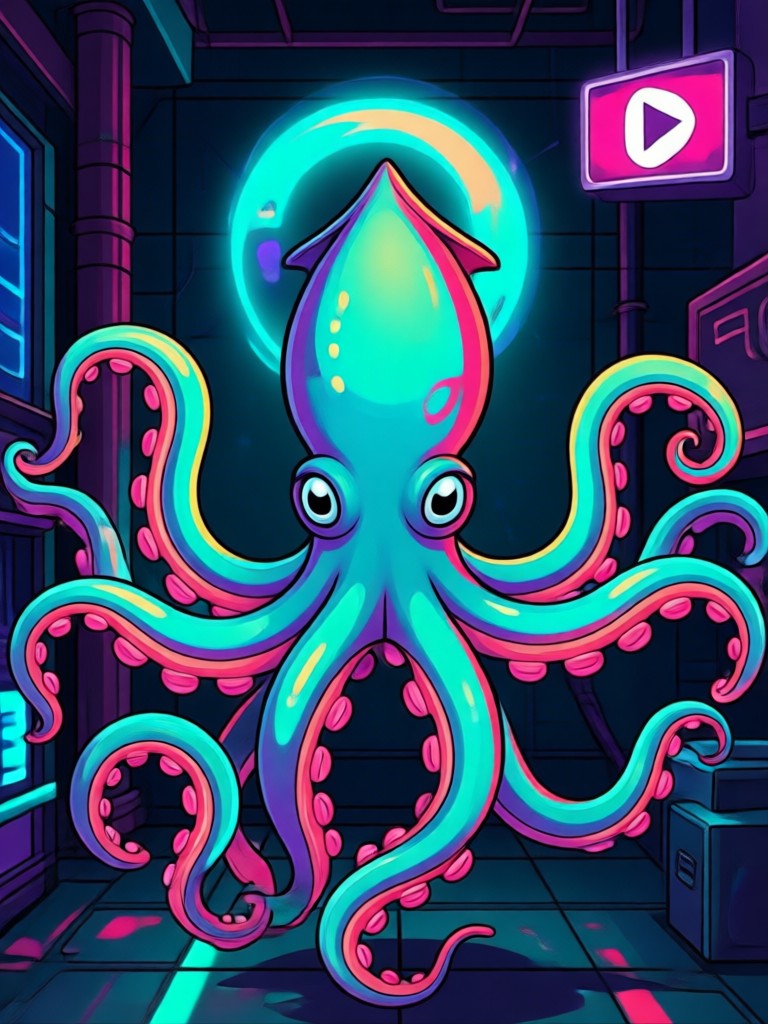
Apply the Squid Game theme in different artistic styles. Choose from realistic photography, anime, cyberpunk, 3D clay, or oil painting filters for a unique creative twist.
Multi Style & Art Filters
Apply the Squid Game theme in different artistic styles. Choose from realistic photography, anime, cyberpunk, 3D clay, or oil painting filters for a unique creative twist.
How to Use the AI Squid Game Filter?
Join the game in three simple steps. No design skills or complex editing software required.

Step 01.
Download the Vividix app from Google Play. This is your all in one tool for AI photo and video transformation, including the Squid Game filter.

Step 02.
Open the app, tap 'Image to Image', and upload your photo. Then, browse and select the 'Squid Game' filter or a related style template from the massive library.

Step 03.
Generate your image. In seconds, AI will transform you into a contestant. Download your creation and share it directly to TikTok, Instagram, or with friends.
Players Are Loving the AI Squid Game Filter

Alex
Perfect for testing Squid Game cosplay ideas without buying the suit. The AI gets the details and fit surprisingly realistic. Shared my 'Player 456' on Instagram and it blew up.

Maya
This filter is a content goldmine for TikTok trends. I made a series of videos with my friends as different players. The engagement was insane. It's so easy to use.

Jordan
Our whole gaming crew used it for our Discord server icons. We all picked different numbers. The filter worked perfectly on our group photo, no face blending issues.

Sam
Used the cinematic and cyberpunk styles for a short film mood board. It helped visualize characters in a dystopian setting way faster than traditional sketching.
Alex
Perfect for testing Squid Game cosplay ideas without buying the suit. The AI gets the details and fit surprisingly realistic. Shared my 'Player 456' on Instagram and it blew up.
Maya
This filter is a content goldmine for TikTok trends. I made a series of videos with my friends as different players. The engagement was insane. It's so easy to use.
Jordan
Our whole gaming crew used it for our Discord server icons. We all picked different numbers. The filter worked perfectly on our group photo, no face blending issues.
Sam
Used the cinematic and cyberpunk styles for a short film mood board. It helped visualize characters in a dystopian setting way faster than traditional sketching.
Alex
Perfect for testing Squid Game cosplay ideas without buying the suit. The AI gets the details and fit surprisingly realistic. Shared my 'Player 456' on Instagram and it blew up.
Maya
This filter is a content goldmine for TikTok trends. I made a series of videos with my friends as different players. The engagement was insane. It's so easy to use.
Jordan
Our whole gaming crew used it for our Discord server icons. We all picked different numbers. The filter worked perfectly on our group photo, no face blending issues.
Sam
Used the cinematic and cyberpunk styles for a short film mood board. It helped visualize characters in a dystopian setting way faster than traditional sketching.
Why Choose Our AI Squid Game Filter?
Vividix offers more than a basic costume changer. Our AI understands context, preserves your facial features, and integrates the new elements with professional grade realism for standout results.
Why Choose Our AI Squid Game Filter?
Vividix offers more than a basic costume changer. Our AI understands context, preserves your facial features, and integrates the new elements with professional grade realism for standout results.
AI Squid Game Filter FAQs
Get quick answers about creating your Squid Game character, using the app, and making the most of this viral AI tool.
More AI Trends You May Like
Explore other viral AI filters and creative tools to elevate your content.
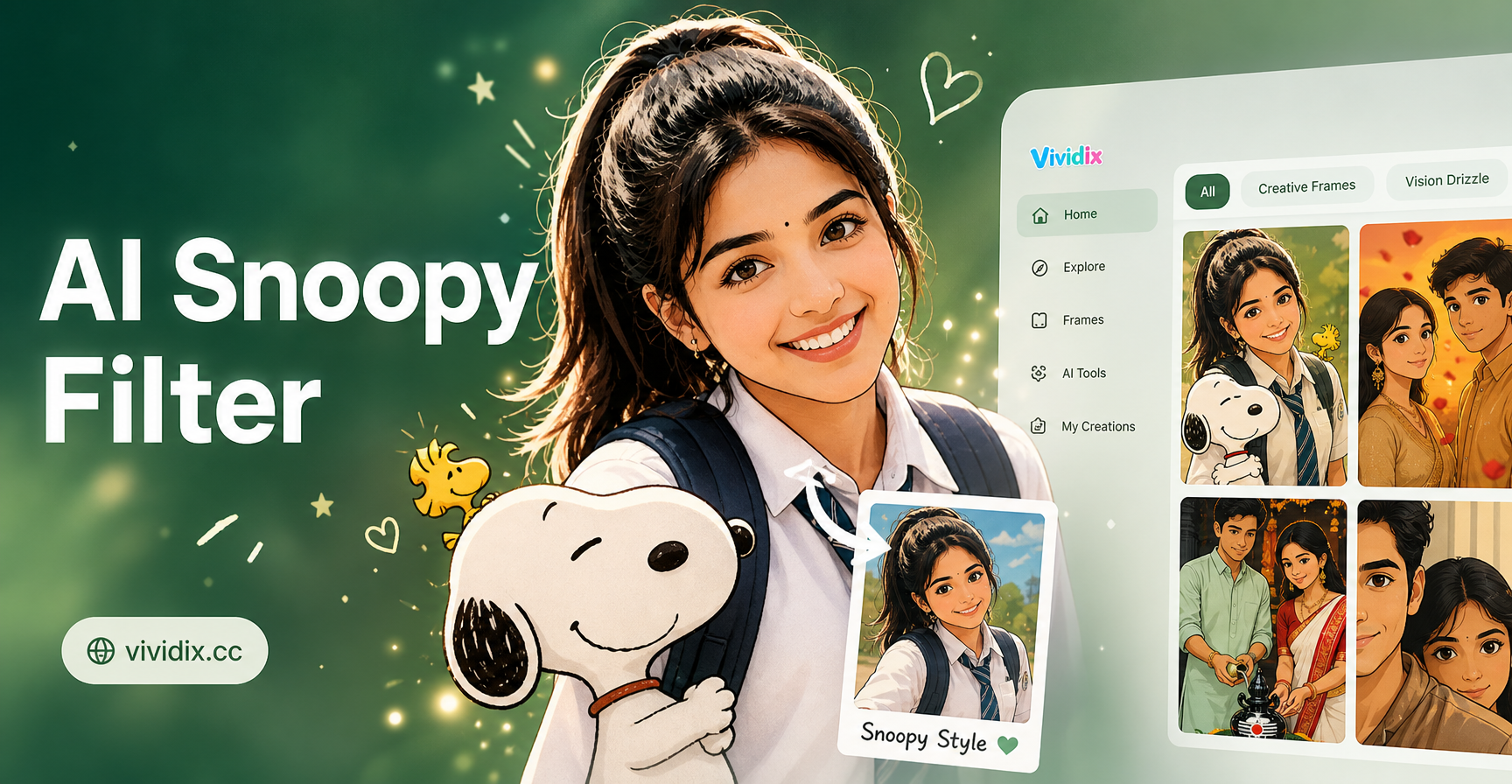
Try the AI Snoopy Filter for Fun Cartoon Transformations
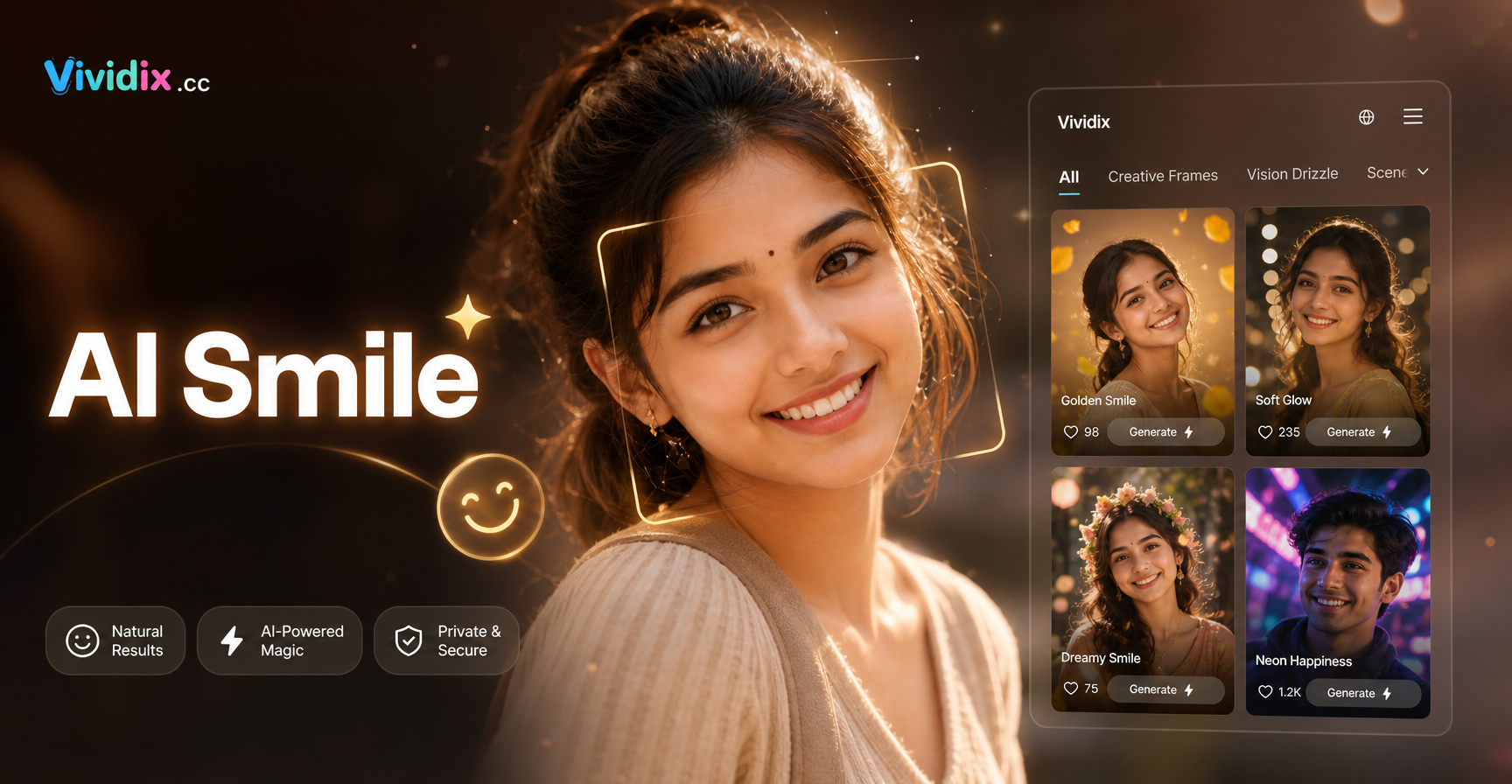
AI Smile Filter: Add Realistic Smiles & Fix Bad Photos
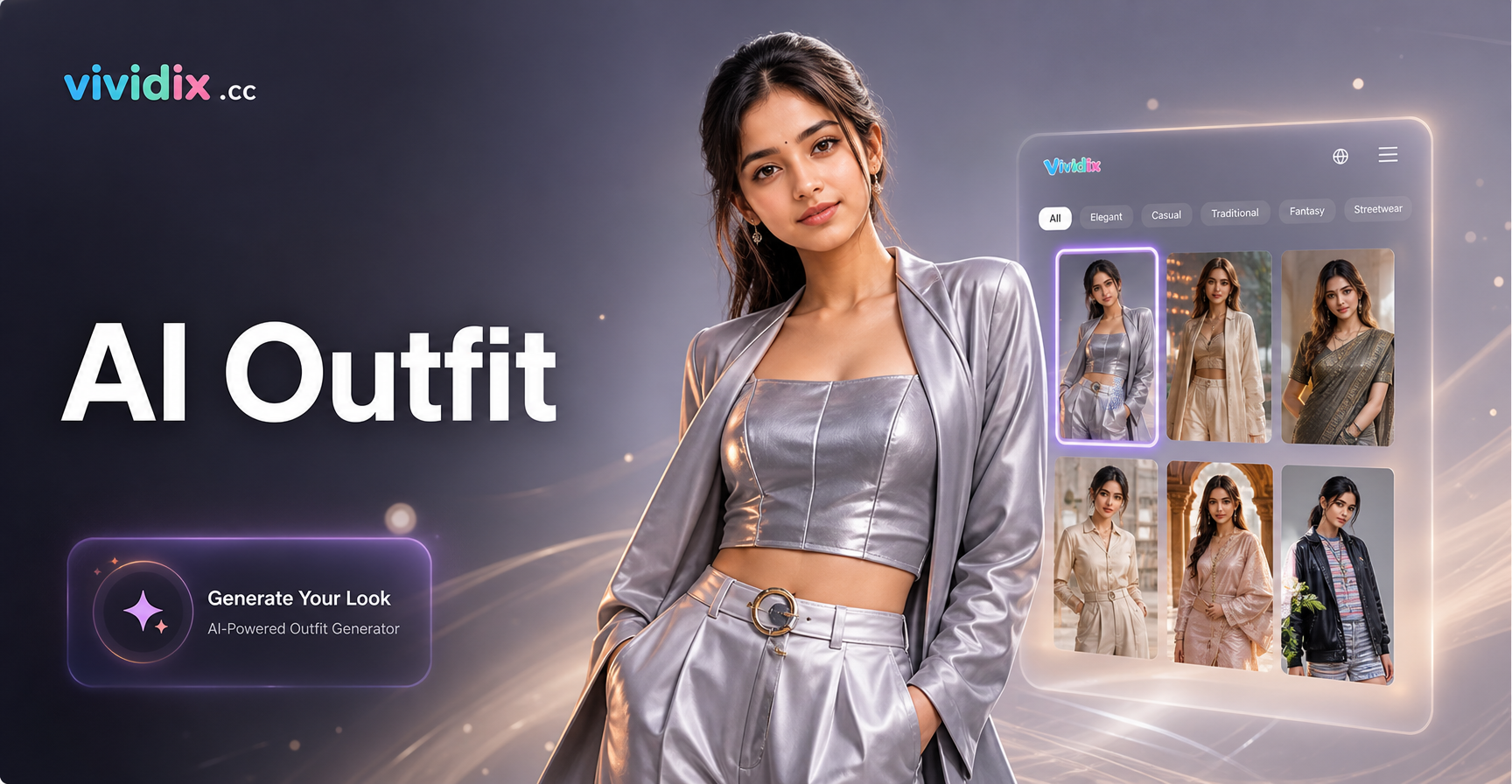
Virtual AI Wardrobe: Design Outfits with AI
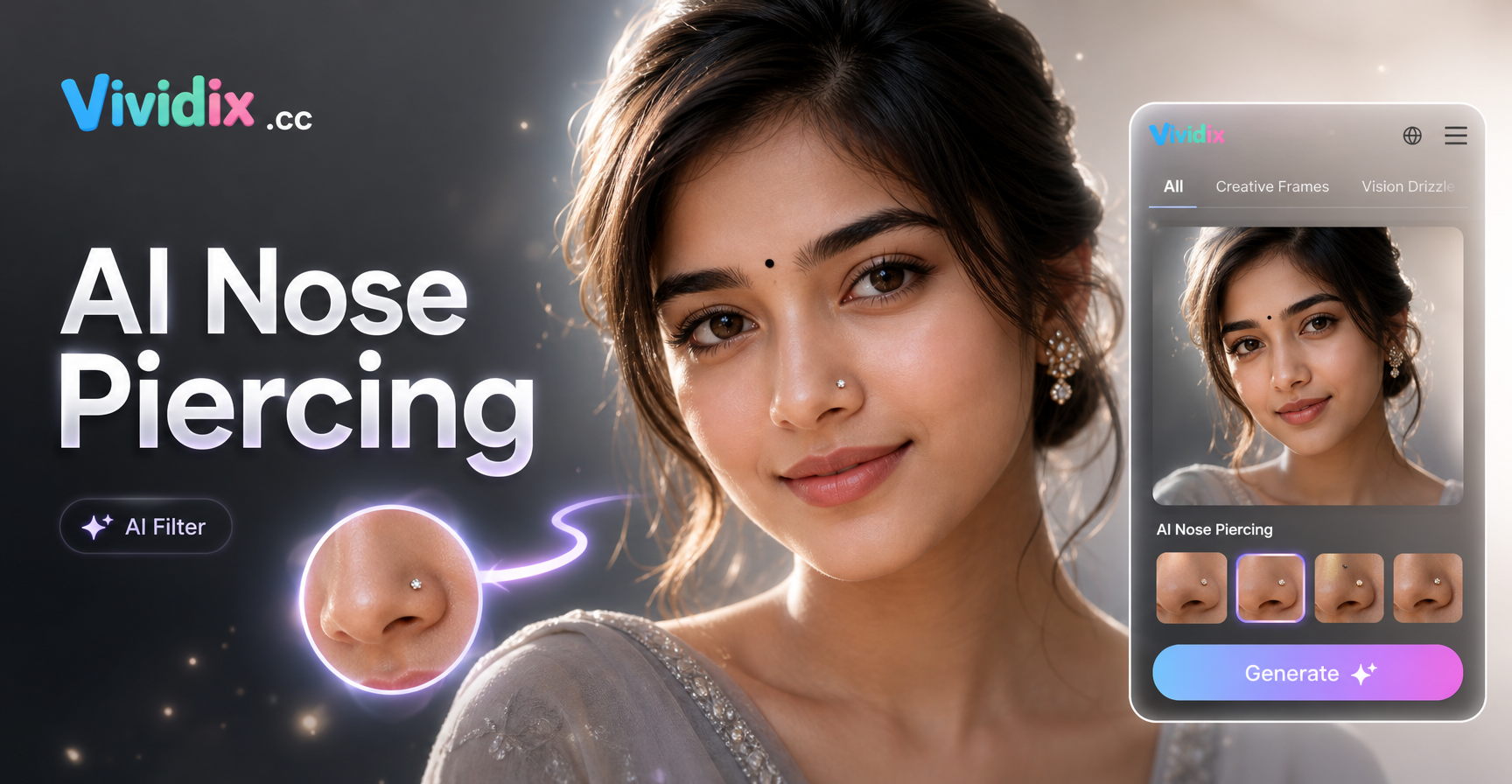
AI Nose Piercing Filter: Try Virtual Piercings Instantly
Try the AI Snoopy Filter for Fun Cartoon Transformations
AI Smile Filter: Add Realistic Smiles & Fix Bad Photos
Virtual AI Wardrobe: Design Outfits with AI
AI Nose Piercing Filter: Try Virtual Piercings Instantly
Ready to Join the Game?
Download Vividix now and access the AI Squid Game filter along with millions of other creative styles. Transform your photos and videos in seconds.

Ready to Join the Game?
Download Vividix now and access the AI Squid Game filter along with millions of other creative styles. Transform your photos and videos in seconds.